
Apple
5 Things to Know About the iOS 15.7.3 Update
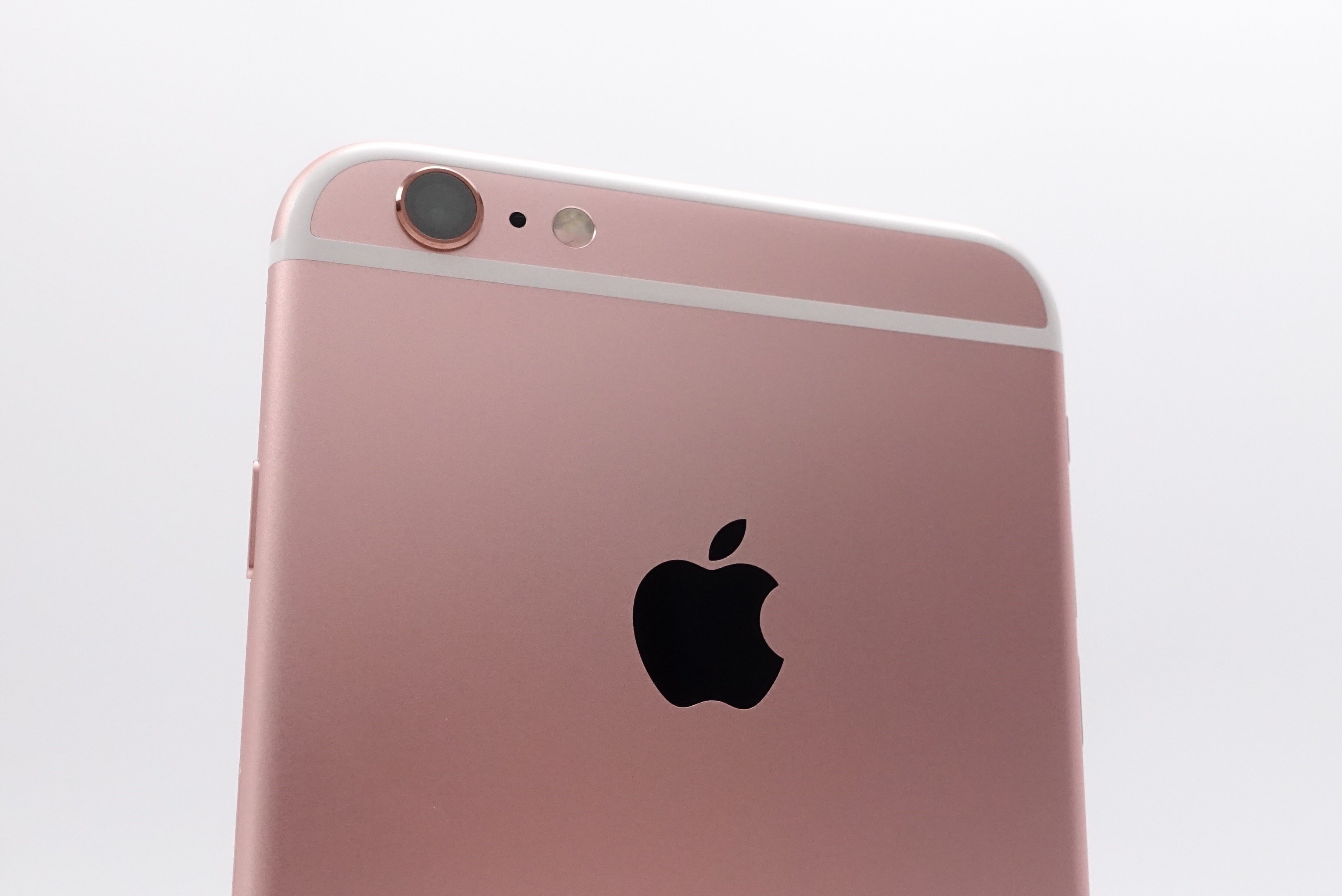
Apple’s pushed a new iOS 15.7.3 update to select iPhone models and the software brings some important changes to the devices that are stuck on the operating system.
iOS 15.7.3 is compatible with older iPhone models that remain on iOS 15. The list includes the iPhone 6s, iPhone 6s Plus, iPhone SE, iPhone 7, and iPhone 7 Plus.
The software’s not available for the iPhone 8, iPhone 8 Plus, iPhone X, iPhone XS, iPhone XS Max, iPhone XR, iPhone 11, iPhone 11 Pro, iPhone 11 Pro Max, iPhone SE 2, iPhone SE 3, iPhone 12 mini, iPhone 12, iPhone 12 Pro, iPhone 12 Pro Max, or iPhone 13 series. These devices were all upgraded to iOS 16.
Like the previous version of iOS 15, iOS 15.7.3 is a point upgrade. It’s a small release focused on fixing security issues. With that in mind, we want to take you through everything you need to know about Apple’s latest iOS 15 update for the iPhone.
In this guide we’ll walk you through iOS 15.7.3’s changes, the software’s performance, iOS 15.7.3 problems, the iOS 15.7.3 jailbreak status, and more. We’ll start with some quick thoughts on iOS 15.7.3’s performance.
iOS 15.7.3 Review
If your iPhone 6s, iPhone 6s Plus, iPhone SE, iPhone 7, or iPhone 7 Plus is currently running iOS 15.7.2, you’ll see the smallest iOS 15.7.3 download size.

The exact size of the iOS 15.7.3 download depends on your iPhone model and the version of iOS it’s currently running. If your iPhone is running an older version of iOS, you may see a bigger download because your update comes with the changes from the updates you skipped.
If you’re moving up from iOS 15.7.2, the installation process should take 10 minutes or less to complete. It took about six minutes to install on an iPhone 7.
We’ve been using iOS 15.7.3 on an iPhone 7 for a few days now and here’s what we’ve learned about the software’s performance thus far:
Connectivity
- Battery life is stable.
- Wi-Fi connectivity is fast and reliable.
- Bluetooth is working normally.
- GPS and cellular data are both stable.
App Performance
- Third-party apps including Netflix, Twitter, Slack, Asana, Gmail, Chrome, and Spotify are working fine at the moment.
- First party apps like Safari and Podcasts are also stable.
Speed
- iOS 15.7.3 feels as fast as iOS 15.7.2.
If your iPhone has been plagued with bugs and/or performance issues on iOS 15.7.2 or an older version of iOS 15, you might want to install the iOS 15.7.3 update on your iPhone today.
If you need help making a decision, check out our reasons to, and not to, install the iOS 15.7.3 update on your iPhone right now.
iOS 15.7.3 Problems
The iOS 15.7.3 update is causing problems for some iPhone users. Some of these problems are brand new while others have carried over from older versions of iOS.
The current list of iOS 15.7.3 problems includes abnormal battery drain, installation issues, Wi-Fi problems, Bluetooth issues, UI lag, issues with Touch ID, and issues with first and third-party apps.
If you run into a problem on iOS 15.7.3, have a look at our list of fixes for the most common iOS 15 problems. We’ve also released some tips that could help you improve your phone’s performance and some tips that could help you fix bad iOS 15 battery life.
Apple stopped signing on iOS 15.7.2 which means you can’t move your iPhone’s software back to the previous version of iOS 15 if iOS 15.7.3 starts causing problems. You can’t downgrade to anything older than iOS 15.7.2 either.
Keep this in mind if you’re having a good experience on iOS 15.7.2 or older. Once you make the move to iOS 15.7.3, you won’t be able to get back.
For more on the downgrade process, check out our guide.
iOS 15.7.3 Features
Apple’s most recent point upgrades (x.x.x) have been focused on patching up security issues and that’s exactly what iOS 15.7.3 brings to older iPhones.
The official change log notes the update brings important security patches to iPhone users and you can learn more about those over on Apple’s security site.
iOS 15.7.3 doesn’t have any known features or bug fixes on board.
iOS 15.7.3 Jailbreak
Developers have finally released a tool that’s compatible with iOS 15 and iOS 16, but it only works with select iPhone models.
The new palera1n jailbreak is based on checkm8 and it works with all versions of iOS between iOS 15.0 and iOS 16.2. Currently, it only works with iPhone 8, iPhone 8 Plus, and iPhone X.
There aren’t a ton of tweaks available yet and there are some caveats, but at least a jailbreak option is now available to those who still love to jailbreak.
What’s Next
It’s unclear if iOS 15.7.3 will be Apple’s final version of iOS 15. Apple could choose to push additional versions of iOS 15 later this year, but that hasn’t been confirmed.
Apple likely won’t push additional iOS 15 upgrades to iPhone 8 and newer going forward. That being said, we could still see releases for the iPhone 6s, iPhone 7, and iPhone SE.
The company’s released its new iOS 16 operating system and the software is currently available to download right now if you own a compatible iPhone model (iPhone 8 and later).
For more about the iOS 16 update, take a look at our guide.
[slides postid=490676]
