
Apple
5 Things to Know About the watchOS 10.3.1 Update
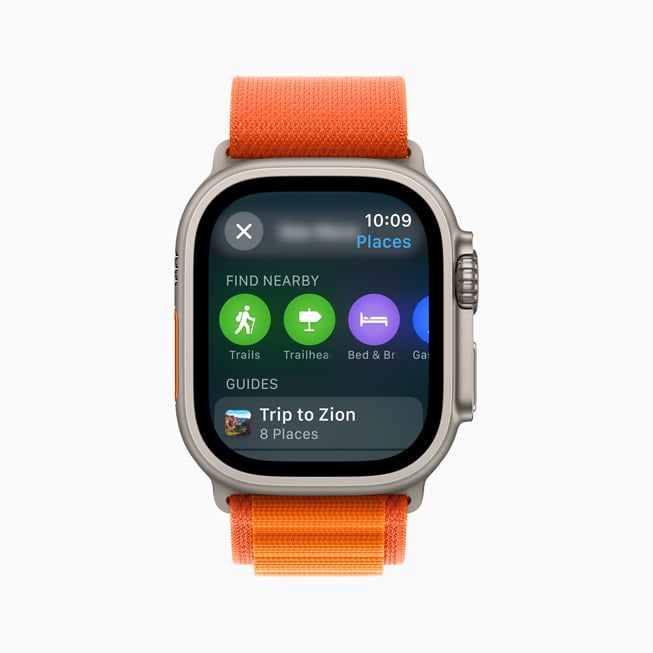
Apple’s pushed a new watchOS 10.3.1 update to Apple Watch users around the world.
watchOS 10.3.1 is a small point upgrade and it brings under-the-hood improvements to compatible Apple Watch models. It’s an important upgrade and most Apple Watch owners should install the update today.
In this guide we’ll cover everything you need to know about the watchOS 10.3.1 update for Apple Watch.
Table of Contents
Our walkthrough goes over the firmware’s changes, provides some thoughts about its performance, and it also takes a look at the issues impacting the software.
We’ll start with some quick thoughts about watchOS 10.3.1’s performance.
watchOS 10.3.1 Review
If your Apple Watch is currently running watchOS 10.3, you’ll see a very small download. If you’re moving up from watchOS 9, or a much older version of watchOS 10, the download will be larger.
As for the installation, it took just about eight minutes to get the software up and running on a fourth-generation Apple Watch.

We’ve been using watchOS 10.3.1 on an Apple Watch 4 for several days now and here’s what performance looks like thus far:
watchOS 10.3.1 Battery Life & Connectivity
- Battery life is stable
- Wi-Fi connectivity is fast and reliable
- Bluetooth is working normally
- GPS is working properly
App Performance
- Third-party apps including All Trails, ESPN, Spotify, and JetBlue are all working fine
- First party apps like Podcasts are also running well
Speed
- watchOS 10.3.1 feels fast and we haven’t noticed abnormal lag, lockups, or freezes
If you’re dealing with bugs and/or performance issues on watchOS 10.3, or an older version of watchOS, you might want to install the watchOS 10.3.1 update today.
watchOS 10.3.1 Problems
We haven’t run into any bugs or performance issues while running watchOS 10.3.1, but some Apple Watch users have.
We’ve heard about installation issues, Wi-Fi issues, problems with notifications, GPS issues, Bluetooth issues, problems with first and third-party applications, UI lag, abnormal battery drain and pairing issues.
For more about watchOS 10 problems and how to fix them, head over to our guide.
watchOS 10.3.1 Features
Apple’s point updates (watchOS x.x.x) typically bring fixes for lingering issues. That’s exactly what watchOS 10.3.1 brings to compatible Watch models.

The company says the software includes improvements and bug fixes for the Apple Watch though it didn’t call any of those changes out in the release notes.
watchOS 10.3.1 doesn’t have any security patches on board.
watchOS 10 Downgrade
Most Apple Watch owners know this, but if you’re a new user, or you’ve simply forgotten, here’s your PSA.
Unlike iOS, iPadOS, and macOS software, you can’t downgrade watchOS software to an older version if you run into trouble.
Because of this, you’ll want to approach the watchOS 10.3.1 update with a sense of caution. If you’re having a good experience on your device’s current version of watchOS, make sure you read reviews before you tap install.
What’s Next
Apple’s confirmed a new watchOS 10.4 update for Watch and the software is in beta testing. We expect the software to roll out to Apple Watch users in March.
watchOS 10.4 will bring new features and fixes to Apple Watch. Among them, new emoji characters to use in the Messages app and others.
[slides postid=501274]
