
Apple
iPhone SE 3 Problems: 5 Things You Need to Know
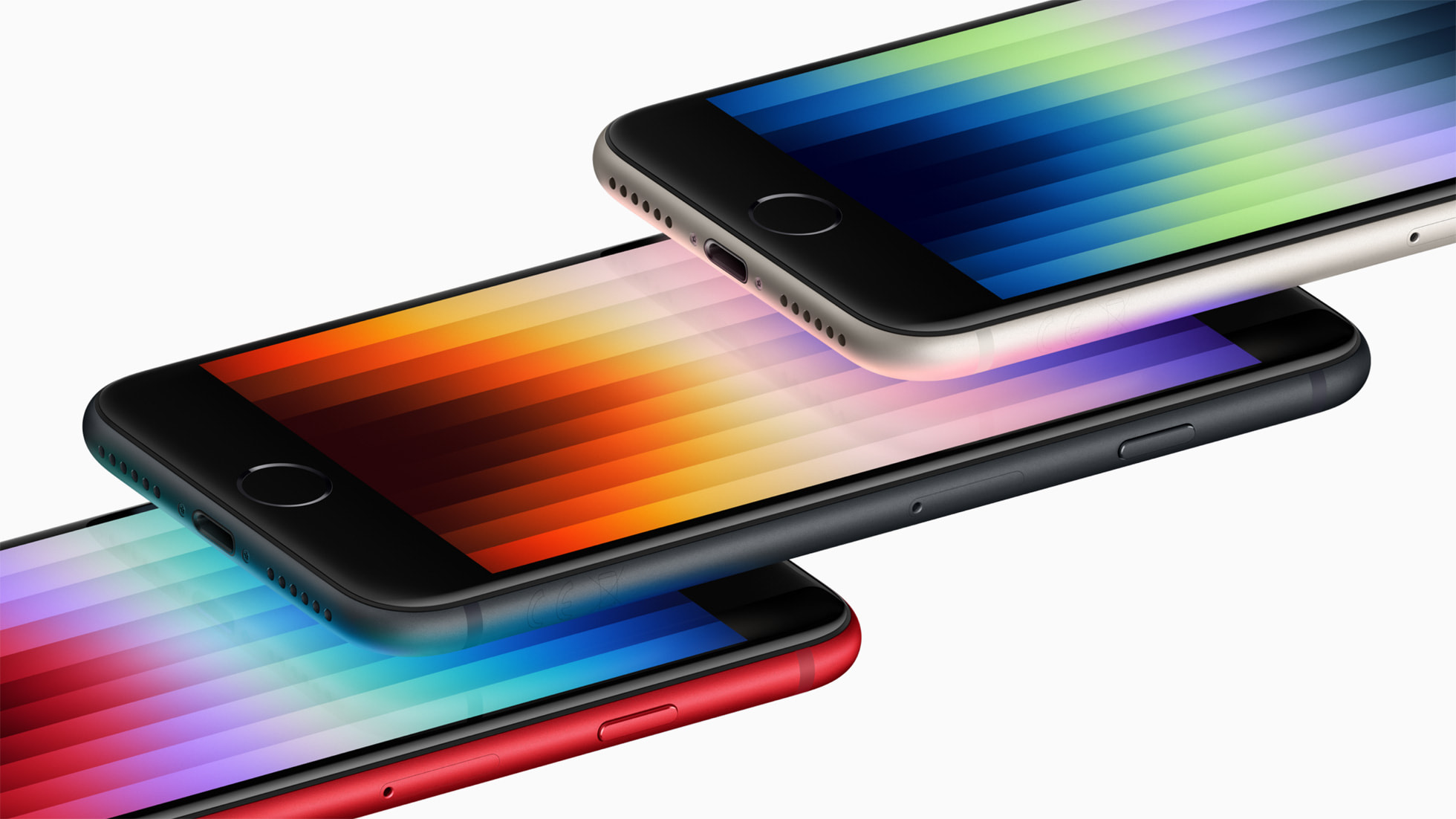
Some iPhone SE 3 users are having a great experience, but others have run into problems.
We’ve heard about issues plaguing Apple’s iPhone SE 3 and most of these problems are related to the iOS 17 software that powers the phone.
We haven’t heard about any serious widespread iPhone SE 3 issues, but that could change as more people buy the phone and as current owners put more milage on their devices.
In this guide we’ll take you through the most common iPhone SE 3 issues, potential fixes for these problems, places to find feedback about iPhone SE 3 performance, and a look at what’s in the iOS 17 pipeline for the device.
Table of Contents
iPhone SE 3 Problems
If you recently bought an iPhone SE 3, and you’re having issues activating your new device, check Apple’s System Status page. If you don’t see a green symbol next to iOS Device Activation, you’ll want to wait until it’s green and then try activating your phone again.
If the symbol is green and the activation process still isn’t working, make sure you have a SIM card inserted in your iPhone SE 3. If you’re receiving a “No Sim” or “Invalid SIM” error, you’ll want to head over to this guide for additional assistance.

In addition, we’re also hearing about the follow issues:
- Abnormal battery drain
- Wi-Fi issues
- Bluetooth issues
- Issues with various first and third party apps
- Exchange problems
- Sound problems
- Touch ID issues
- UI lag and freezes
- Cellular data issues particularly with 5G connectivity
- Random crashes
- iCloud issues
- Login issues
iPhone SE 3 Performance
If you’re thinking about buying the iPhone SE 3, or if you already own one, you’ll want to monitor feedback from other people using the device. This feedback will alert you to potential issues with Apple’s hardware and software.
We recommend keeping an eye on YouTube, Apple’s discussion forums, social media sites like Twitter, and sites like the MacRumors forums for ongoing feedback about the new budget model.
Apple’s pushed its iOS 17 operating system to the iPhone SE 3. If you’re debating a move to the latest version of iOS, have a look at our iOS 17 walkthrough.
It will come in handy every time Apple releases new iOS 17 software.
How to Fix iPhone SE 3 Problems
Some problems may require a fix from Apple in an upcoming iOS 17 software update. On the other hand, you may be able to fix some issues on your own.

If you run into a problem on you iPhone SE 3, take a look at our list of fixes for the most common iOS problems. It will take you through fixes for issues with Bluetooth, Wi-Fi, and more.
We’ve also released some tips to improve your device’s performance and a guide that could help you improve battery life if you’re experiencing abnormal drain.
If you can’t find a fix in those guides, you’ll want to check Apple’s discussion forums for potential fixes for your problem(s).
If you can’t find anything of use on Apple’s forums, you might want to get in touch with Apple. You can do so via the company’s website.
If you’d rather explain your issue in person, take your new phone into your local Apple Store. If you’ve got an Apple Store in your area, you’ll want to schedule a Genius Bar appointment.
If your problem is serious, Apple might offer you a replacement because your phone may be under warranty.
iOS Downgrade Status
If you’re dealing with software issues on your iPhone SE 3, you can try downgrading your devices to the previous version of iOS 17 if the option is available.
If you’re unfamiliar with the iOS downgrade process our downgrade guide will walk you through everything you need to know before you make the move.
Next iPhone SE 3 Update
If your iPhone SE 3 is struggling with bugs and/or performance issues, you’re on your own for the time being.
The company’s confirmed a new iOS 17.3 update for iPhone SE 3 and the software’s currently in beta testing. We expect the final release to come sometime in late January or early February.
If you can’t/don’t want to wait for the official release date, you might try downloading the iOS 17.3 beta on your device and see if performance improves.
For more about iOS 17.3 and the beta, have a look at our walkthrough. And for more about the upcoming iOS 17.3 release date, check out our guide.
[slides postid=501274]
